High-Converting Business Site Wireframes: 7 UX Tweaks That Turn Bouncers into Booked Clients

Selecting the right Content Management System (CMS) is one of the most important steps when building a website. Your CMS controls how you manage content, how fast your website loads, and how easily you can scale your business in the future.
Today, businesses are moving from traditional systems to more flexible solutions like headless CMS. However, both options have their own advantages depending on your needs.
For DIY SEO business owners and digital marketers, choosing the right CMS can directly impact:
In this guide, we will compare headless CMS and traditional CMS in detail so you can make the best decision for your business.
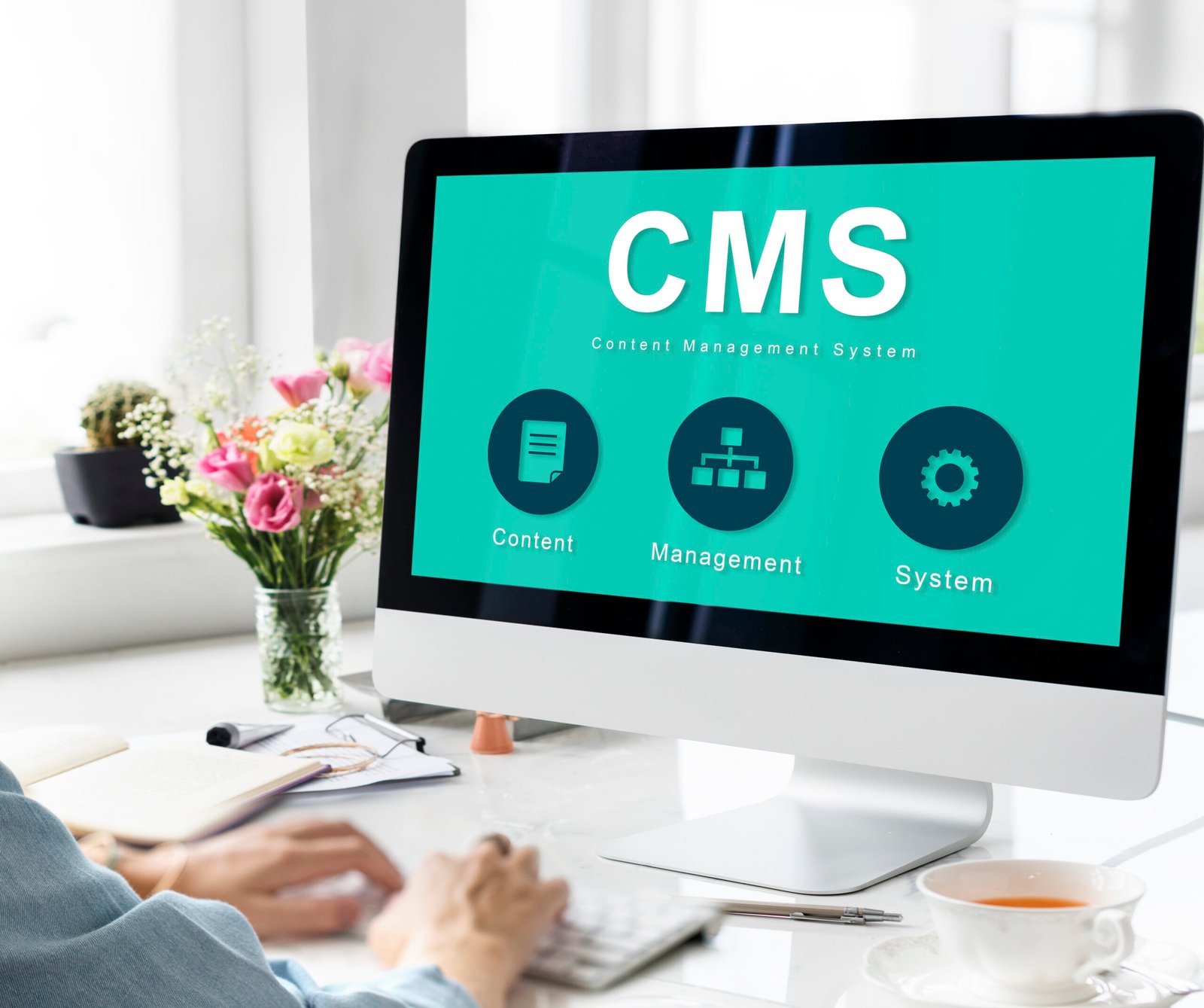
A traditional CMS (also called a monolithic CMS) combines both the backend (content management) and frontend (design and display) into a single system.
In this setup, you create, manage, and publish content from one dashboard, and the CMS automatically controls how that content appears on your website using themes and templates. This makes it easy for non-technical users to build and manage websites without needing coding skills.
Traditional CMS platforms also offer plugins and extensions that allow you to add features like SEO tools, security, contact forms, and eCommerce functionality. This makes them a popular choice for small to medium-sized businesses.
However, since everything is connected in one system, customization and flexibility can be limited, especially for complex projects. Performance can also be affected if too many plugins or heavy themes are used.
These platforms are ideal for beginners and businesses looking for an all-in-one solution.
Traditional CMS platforms are beginner-friendly and allow quick setup without advanced technical knowledge.
You can manage content, design, and functionality in one place, which simplifies workflows.
You can extend functionality using plugins for SEO, security, and performance.
Ideal for businesses that need to go live quickly.
Customization depends on themes and plugins, which can restrict design and functionality.
Heavy plugins and themes can slow down the website and affect Core Web Vitals.
Popular CMS platforms are often targeted by hackers due to their widespread use.
Handling high traffic or complex features can become challenging.
A headless CMS separates the backend (content management) from the frontend (presentation layer).
In this approach, content is created and stored in the backend, but instead of controlling how it looks on a website, it is delivered through APIs to different platforms. Developers then use modern technologies to design the frontend separately.
This allows businesses to display the same content across multiple platforms such as websites, mobile apps, and other digital channels. It also provides better flexibility, performance, and scalability compared to traditional CMS.
However, a headless CMS usually requires technical expertise and development support, making it more suitable for growing businesses or complex projects.
These platforms are designed for flexibility, scalability, and omnichannel content delivery.
Developers can build any type of frontend experience without limitations.
Decoupled architecture allows faster loading and improved Core Web Vitals.
Content can be delivered across multiple platforms such as websites, mobile apps, and smart devices.
Perfect for growing businesses with complex needs.
Not suitable for beginners without developer support.
Development and setup costs are higher.
Requires separate frontend development.
| Feature | Traditional CMS | Headless CMS |
| Structure | All-in-one | Separate frontend & backend |
| Ease of Use | Easy | Moderate to complex |
| Flexibility | Limited | High |
| Performance | Moderate | High |
| SEO Control | Good | Advanced |
| Scalability | Limited | High |
Headless CMS is better for structured and reusable content.
For advanced SEO strategies, headless CMS is more powerful.
Website speed is critical for SEO and user experience. A fast-loading website helps users access information quickly, reduces bounce rates, and improves engagement. Search engines like Google also consider page speed as a ranking factor, which means faster websites have a better chance of ranking higher in search results.
In a traditional CMS, performance can be affected by heavy themes, multiple plugins, and server limitations. If not optimized properly, this can slow down page load time and impact Core Web Vitals.
A headless CMS generally offers better performance because the frontend is built separately and optimized using modern technologies. Content is delivered through APIs, which allows faster loading and smoother user experience across devices.
To maintain good performance, businesses should regularly monitor website speed, optimize images and code, and use reliable hosting solutions regardless of the CMS they choose.
Choose traditional CMS if:
Choose headless CMS if:
Some platforms offer hybrid CMS solutions that combine features of both traditional and headless CMS.
A hybrid CMS allows you to manage content in a traditional way with built-in frontend tools, while also providing API access to deliver content across different platforms. This means you get the ease of use of a traditional CMS along with the flexibility of a headless setup.
These platforms combine the benefits of both traditional and headless CMS.
A hybrid CMS is a good option for businesses that want a balance between simplicity and flexibility, especially if they plan to grow and expand their digital presence in the future.
Both headless CMS and traditional CMS have their own strengths.
The right choice depends on your business goals, budget, and technical capabilities.
For long-term growth and advanced SEO, headless CMS is becoming the preferred option.
If you need expert help, Entrustech can guide you in choosing and implementing the right CMS for your business.
Traditional CMS combines content management and frontend display in one system, making it easier to manage everything from a single dashboard. In contrast, a headless CMS separates the backend and frontend, allowing developers to build the frontend independently.
This separation provides more flexibility, better performance, and the ability to deliver content across multiple platforms like websites, mobile apps, and more.
Yes, headless CMS can be better for SEO because it allows greater control over website performance, page speed, and technical SEO elements. Faster loading times and better Core Web Vitals can improve search rankings.
However, SEO success also depends on proper implementation. Without the right setup, even a headless CMS may not deliver the expected results.
Traditional CMS is easier to use, especially for beginners and non-technical users. It comes with visual editors, themes, and plugins that simplify website management.
Headless CMS, on the other hand, requires technical knowledge because the frontend needs to be developed separately. It is more suitable for teams with development resources.
Headless CMS usually has higher initial costs because it involves custom development and separate frontend setup. You may also need developers for maintenance and updates.
However, for growing businesses, it can offer better long-term value due to improved scalability, performance, and flexibility.
Yes, you can switch from a traditional CMS to a headless CMS, but it requires proper planning and development effort. This often includes redesigning the frontend, migrating content, and ensuring SEO elements are preserved.
Businesses usually make this switch when they need better performance, scalability, or multi-platform content delivery.
Traditional CMS is usually the best choice for small businesses because it is easy to use, cost-effective, and quick to set up. It allows business owners to manage their website without technical expertise.
However, if a small business plans to grow quickly or needs advanced features, it can consider moving to a headless or hybrid CMS in the future.
Social media automation is a powerful tool when used with intention and strategy. Automating the right tasks improves efficiency, while keeping interactions human builds trust and loyalty.
WhatsApp us